


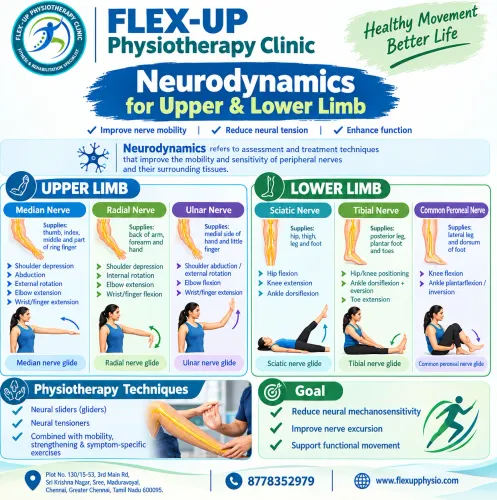
Neurodynamics for upper limb and lower limb
2026-09-25T05:04:00  read more
 read more
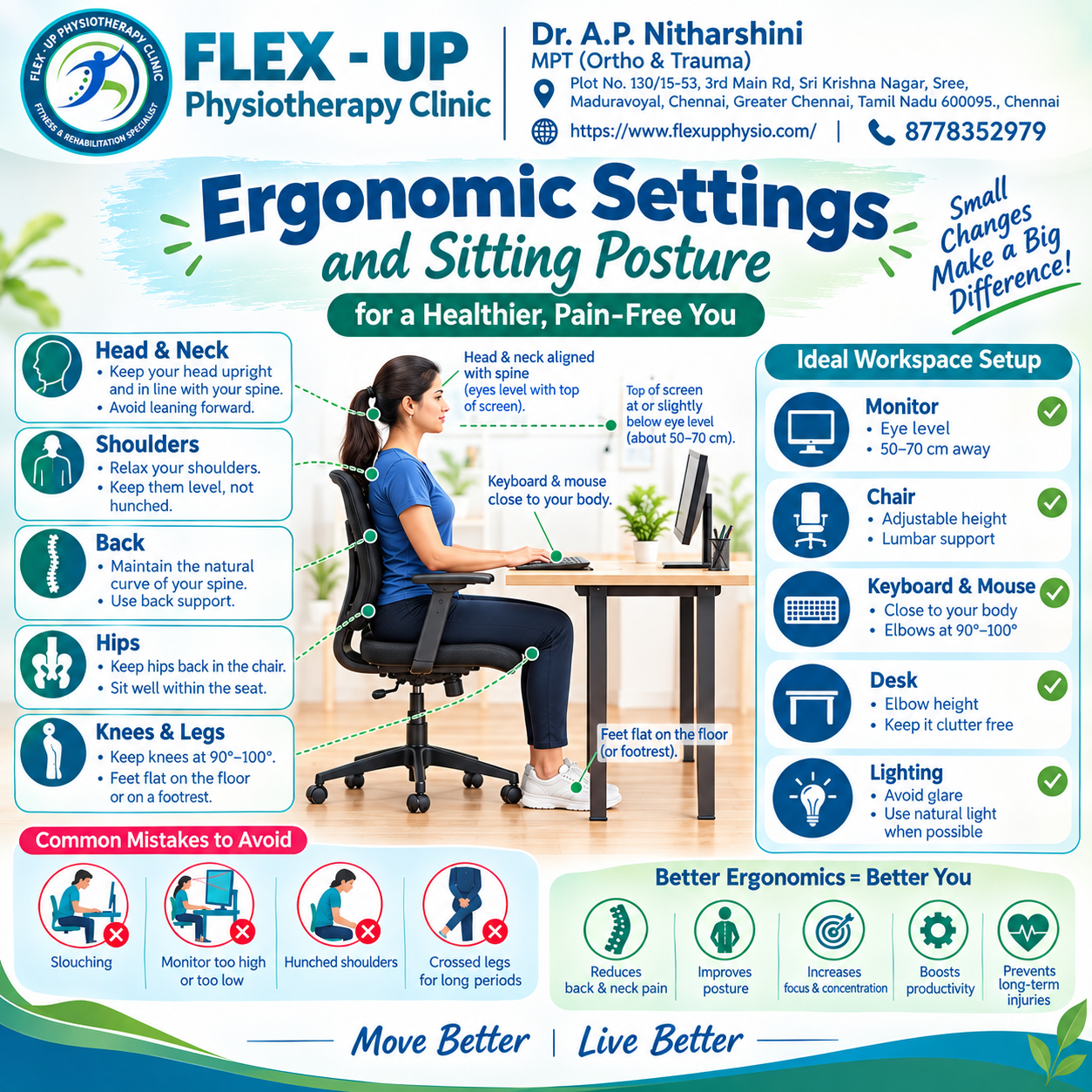

ERGONOMIC SETTINGS AND SITTING POSTURE For a Healthier and Pain-Free Head & Neck * Keep your head upright and in line with your spine. * Avoid leaning forward. Shoulders * Relax your shoulders. * Keep them level not hunched. Back * Maintain the natural curve of your spine. * Use proper back support. Hips * Keep your hips back in the chair. * Sit well within the seat. Knees & Legs * Keep knees at 90° to 100°. * Keep feet flat on the floor or use a footrest. Ideal Workspace Setup Monitor * Keep the screen at eye level. * Maintain a distance of about 50–70 cm. Chair * Use an adjustable height chair. * Ensure adequate lumbar support. Keyboard & Mouse * Keep them close to your body. * Keep elbows at approximately 90°–100°. Desk * Keep the desk around elbow height. * Keep the workspace clutter-free. Lighting * Avoid glare. * Use natural light whenever possible. Common Mistakes to Avoid * Slouching * Monitor too high or too low * Hunched shoulders * Crossing legs for prolonged periods Better Ergonomics = Better You * Reduces back & neck pain * Improves posture * Increases focus & concentration * Boosts productivity * Helps prevent long-term injuries
 read more
  read more
 We hate spam too.


